



When customers struggle to complete a task, revenue leaks, support load spikes, and adoption slows. UX is the control surface. This is not a design debate. This is a performance constraint. UX is the discipline of reducing friction in critical journeys so customers complete tasks faster, with fewer errors, and with less reliance on support.
In competitive categories, UX is not a feature. UX is a leadership lever that drives conversion, retention, and cost-to-serve. This deep dive will explore the core principles, essential skills, and powerful tools like Figma that define the field of UX design, helping you understand how thoughtful design translates into real-world success for both users and businesses.
What exactly is UX Design?
UX design shapes the end-to-end experience that determines task success, adoption speed, and repeat usage. It’s a holistic approach that goes beyond aesthetics, focusing instead on how a product feels, how easy it is to use, and how well it solves a user’s problems. Essentially, UX design is the creation of digital products built purposefully around user needs and expectations, ensuring every touchpoint contributes to a positive and effective journey.
UX research reduces decision risk by replacing internal opinions with evidence from real customer behavior. Designers then use these insights to inform the structure, functionality, and overall flow of a product. From the moment a user first encounters a product to their final interaction, every step is carefully considered and designed to be as clear, efficient, and delightful as possible. It’s about putting the human at the center of the design process, ensuring the technology serves them rather than the other way around.
The Core Principles Guiding Great UX
While the specifics of UX design projects can vary wildly, a set of foundational principles consistently guide designers in creating truly impactful experiences. These principles act as a compass, ensuring that every decision made throughout the design process ultimately serves the user.
User-Centeredness: Always Start with Empathy
The most crucial principle in UX design is user-centeredness. This means that every design decision, from the smallest button to the largest feature, must be made with the user firmly in mind. It requires designers to cultivate deep empathy, stepping into the shoes of their target audience to understand their goals, frustrations, and contexts. This principle emphasizes that a product is not truly successful unless it effectively meets the needs and desires of its intended users.
Implementing user-centered design involves extensive research, including interviews, surveys, and usability testing, to gather real insights. It’s about asking „why“ users do what they do and then translating those understandings into design choices. Without a clear understanding of who you are designing for, even the most innovative features can fall flat.
Consistency, Accessibility, and Feedback
Beyond empathy, other principles ensure a seamless and inclusive experience. Consistency is vital; users expect similar elements to behave in similar ways across an application or website. For example, a „save“ button should always look and function similarly, preventing confusion and building trust. Consistent design patterns reduce cognitive load, allowing users to focus on their tasks rather than deciphering new interfaces.
Accessibility ensures that products are usable by people with a wide range of abilities, including those with visual, auditory, motor, or cognitive impairments. This means designing with considerations like clear contrast, keyboard navigation, and screen reader compatibility in mind. An accessible design is a more inclusive design, benefiting a broader audience and often improving usability for everyone. Moreover, providing clear and immediate feedback lets users know that their actions have been registered, whether it’s a loading spinner, a confirmation message, or a subtle animation. This responsiveness reassures users and guides them through their interactions confidently.
Essential Skills for Aspiring UX Designers
Building a scalable UX capability requires four repeatable competencies: evidence, structure, validation, and consistency. It’s a multidisciplinary field that blends elements of psychology, research, visual design, and technology. Cultivating these skills is key to translating user needs into compelling digital products.
Research & Analysis: Uncovering User Needs
At the foundation of all good UX design lies rigorous research. Designers must be adept at various research methodologies to understand their target users. This includes conducting user interviews to gather qualitative data, developing surveys to collect quantitative insights, analyzing competitor products, and observing users in their natural environments. The goal is to identify core problems, validate assumptions, and uncover unmet needs that the product can address.
Once data is collected, the ability to synthesize and analyze it is crucial. This often involves creating user personas, which are semi-fictional representations of target users based on research, and user journey maps, which illustrate the steps a user takes to achieve a goal. These analytical tools help designers maintain a user-centric perspective throughout the design process and communicate user insights effectively to stakeholders.
Information Architecture & Wireframing: Structuring Experiences
With a clear understanding of user needs, the next step involves structuring the product’s content and flow. Information architecture (IA) is concerned with organizing, structuring, and labeling content in an effective and sustainable way. A well-designed IA ensures users can easily find information and navigate through the product logically, minimizing confusion and frustration. This might involve creating site maps, content hierarchies, and navigation schemes.
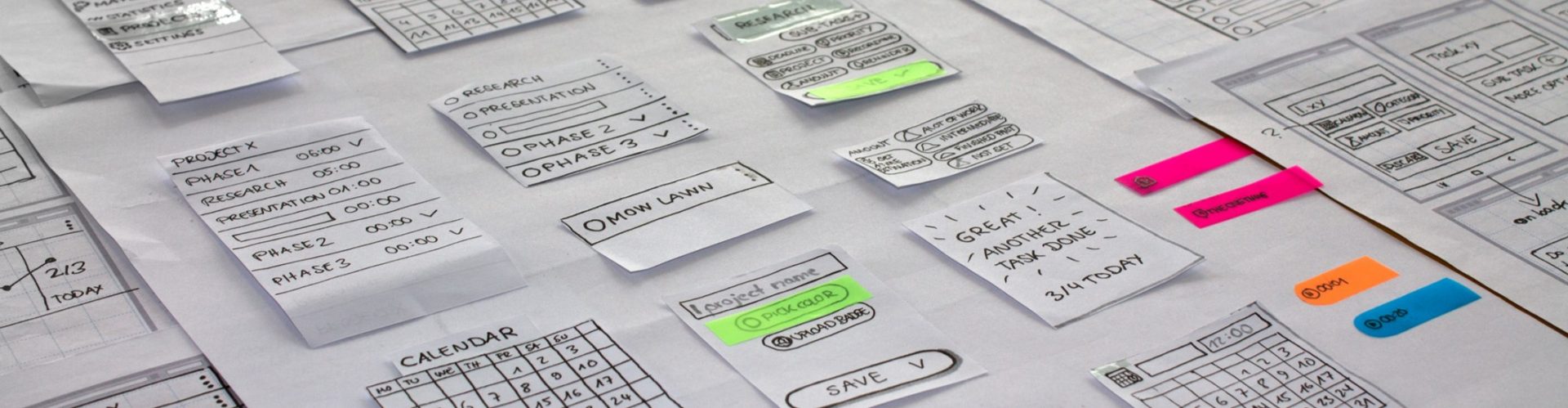
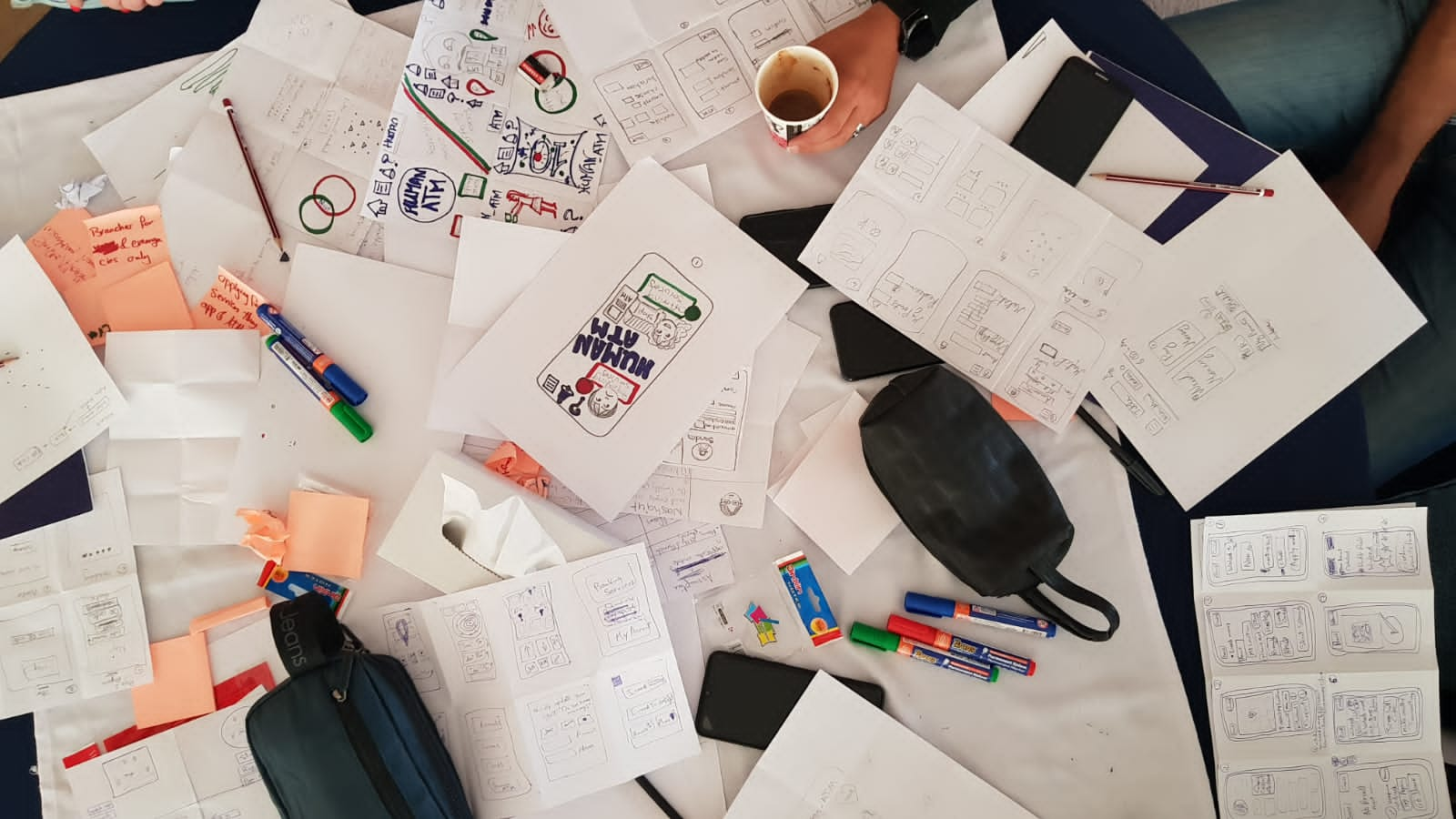
Following IA, wireframing comes into play. Wireframes are low-fidelity, black-and-white layouts that represent the skeletal framework of a webpage or app screen. They focus purely on content arrangement, functionality, and interaction, without any visual design elements. Wireframing allows designers to quickly iterate on layout ideas, test different content placements, and get feedback on fundamental structure before investing time in visual design. It’s a critical step for visualizing the flow and interaction points of a product.
Prototyping & Testing: Bringing Ideas to Life
After establishing the structure through wireframes, designers move to creating prototypes. A prototype is a functional, interactive model of a product that simulates how it will look and behave. Prototypes range from low-fidelity (interactive wireframes) to high-fidelity (near-final visual design). Their purpose is to allow users to interact with the design before it’s fully developed, making it possible to identify usability issues and gather feedback early in the process.
Usability testing is the process of evaluating a product by testing it with representative users. During a usability test, participants perform tasks using the prototype while designers observe and record their actions and feedback. This invaluable process uncovers pain points, reveals areas for improvement, and validates design decisions. Iterative testing, where designs are refined based on feedback and then re-tested, is a cornerstone of effective UX design, ensuring the final product truly meets user expectations.
Figma: A Powerful Ally in Your UX Design Journey
In today’s fast-paced design world, tools that facilitate collaboration and efficiency are indispensable. Among the most prominent and widely adopted is Figma, a web-based design and prototyping tool that has revolutionized how UX designers work. Figma’s popularity stems from its powerful features and its unique ability to bring teams together seamlessly.
Collaborative Design in Real-Time
One of Figma’s standout advantages is its real-time collaborative environment. Multiple designers can work on the same file simultaneously, seeing each other’s cursors and changes as they happen. This eliminates the common headaches of version control, shared files, and constant back-and-forth typical of traditional design software. This live collaboration extends beyond designers, allowing product managers, developers, and other stakeholders to view designs, add comments, and provide feedback directly within the tool, streamlining communication and accelerating the design review process significantly.
This collaborative capability fosters a more transparent and inclusive design process, aligning teams more closely from concept to execution. For instance, designers can create a component library in Figma, ensuring consistency across a large product, and developers can directly inspect design elements to extract CSS or other code snippets, bridging the gap between design and development more effectively than ever before.
From Wireframe to High-Fidelity Prototype
Figma is incredibly versatile, supporting the entire spectrum of the UX design process. Designers can start with basic shapes to create low-fidelity wireframes, quickly outlining the structure and flow of an interface. As the design evolves, these wireframes can be progressively enhanced with more detail, color, and typography to become high-fidelity mockups. The ability to manage design systems, apply styles, and reuse components ensures efficiency and consistency throughout.
Furthermore, Figma’s powerful prototyping features allow designers to transform static screens into interactive experiences. By linking frames and adding transitions, designers can simulate user flows, demonstrating how a product will feel and behave. This integrated approach, moving fluidly from initial concept to a near-final interactive prototype within a single tool, makes Figma an indispensable asset for individual designers and large design teams alike.
The Impact of Thoughtful UX Design
The benefits of investing in robust UX design extend far beyond happy users; they translate directly into tangible business success. In an increasingly competitive digital landscape, a superior user experience can be a key differentiator, influencing everything from customer acquisition to brand loyalty.
McKinsey’s Business Value of Design research found top-quartile design performers delivered 32% higher revenue growth and 56% higher total returns to shareholders over five years.
Why design means business | McKinsey & Company. Treat UX investment like risk control: Nielsen Norman Group estimates that allocating ~10% of a project budget to usability activities .
Return on Investment for Usability – NN/G This enormous return comes from various factors, including increased customer satisfaction, higher conversion rates, reduced support costs, and improved brand perception. When users have a smooth and enjoyable experience, they are more likely to complete desired actions, return to the product, and recommend it to others.
Poor UX shows up as churn, longer onboarding, lower self-serve completion, higher ticket volume, and expensive rework. Many users won’t return after a frustrating online experience, so reducing friction in key journeys is critical for retention and revenue. Frustrating interfaces, confusing navigation, or slow loading times can drive users away instantly, directly impacting revenue and brand reputation. Therefore, thoughtful UX design isn’t just about good manners; it’s a strategic imperative for any digital product aiming for long-term success.
Getting Started in UX Design
Leadership adoption starts with operating discipline: name owners for the critical journeys, define success metrics (activation, task success, ticket rate), and run a monthly cadence to remove friction.
Start with a two-week diagnostic: map the top 3 customer journeys, identify the highest drop-off and highest-ticket steps, and prioritize fixes that cut steps, reduce errors, and shorten time-to-value.
Lock in governance: standardize patterns with a design system, validate major flow changes with usability testing, and review journey metrics with product, engineering, and support every month. Make the program operational: review journey metrics monthly, ship validated improvements continuously, and enforce flows.
Conclusion
UX design is much more than a buzzword; it’s a fundamental discipline that shapes our digital world, making technology more human-friendly and accessible. By focusing on user needs, guided by principles of empathy, consistency, and accessibility, designers craft experiences that are not only functional but truly delightful. Tools like Figma empower this process, enabling collaborative and efficient creation from concept to interactive prototype. As digital becomes the primary leadership teams that operationalize UX protect retention, accelerate adoption, and reduce cost-to-serve.
If leadership wants predictable adoption and lower cost-to-support, leadership must fund UX the same way leadership funds quality: owners, metrics, and governance.
Until next time explore webkeyz’s case studies
and Keep Thinking!