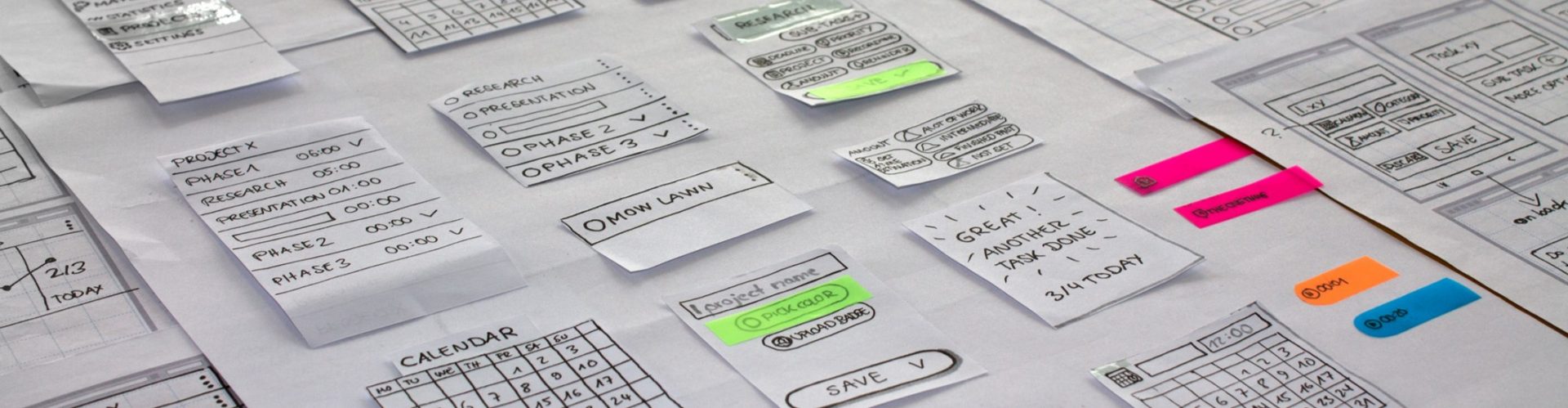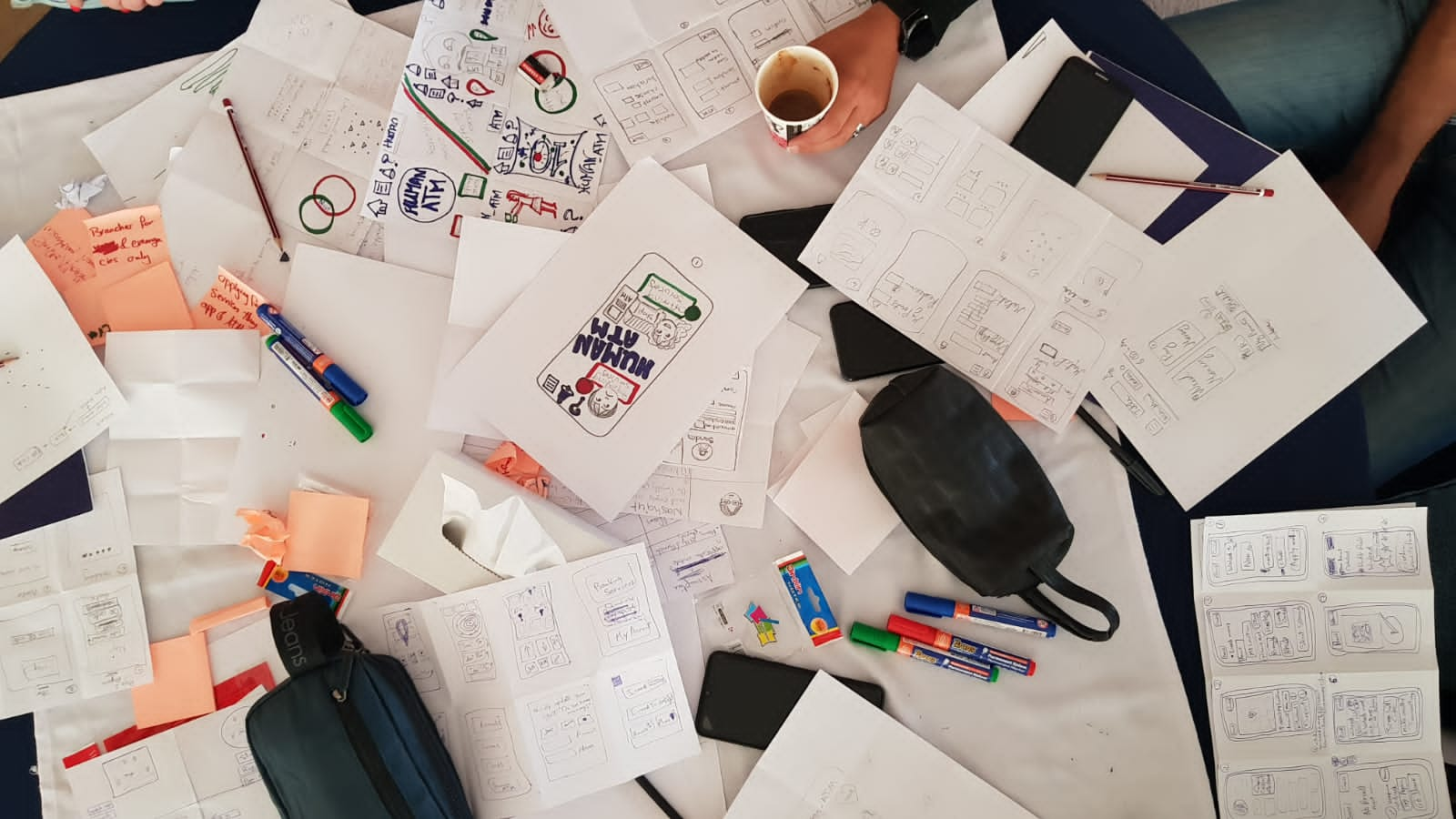




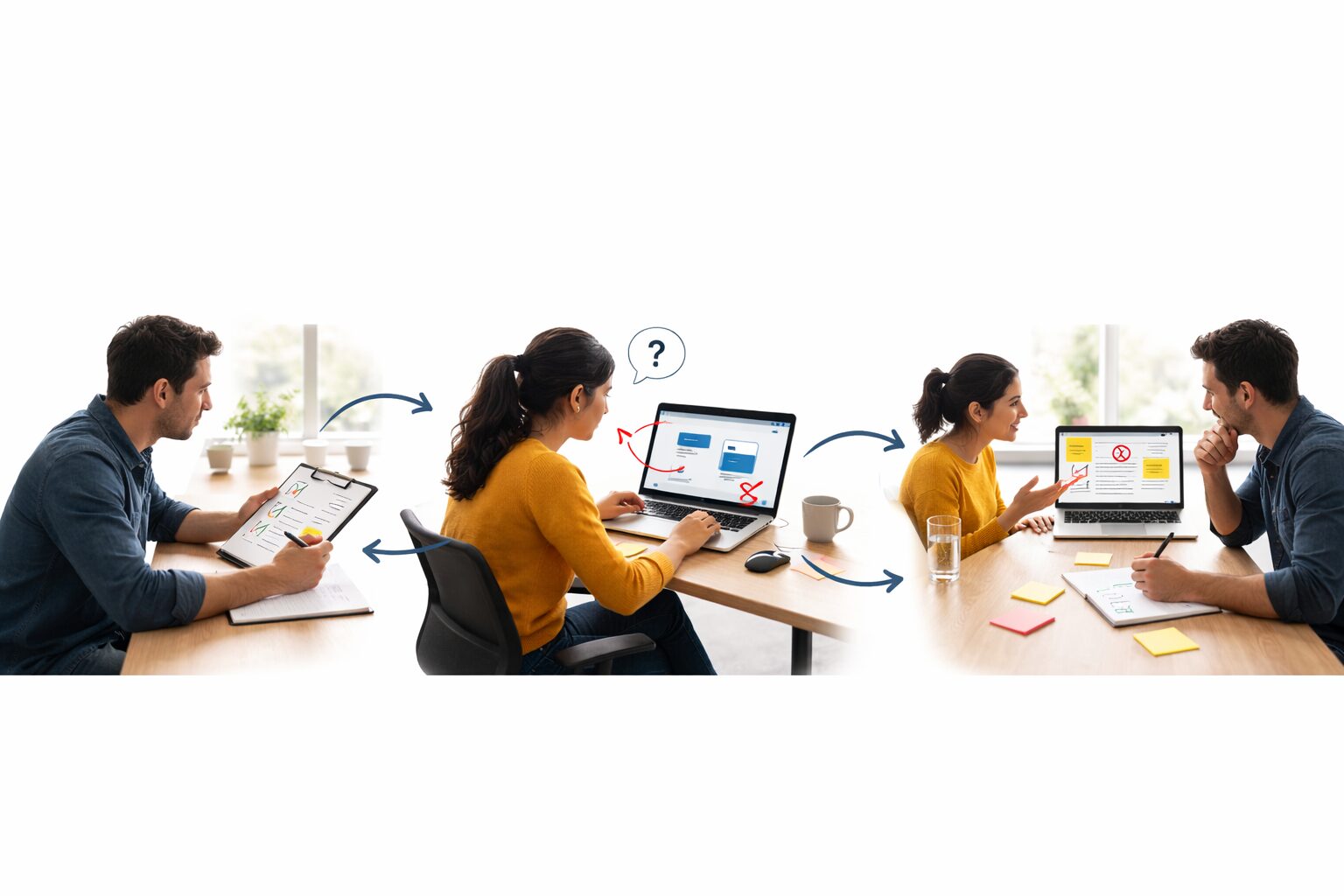
Every abandoned checkout, stalled onboarding flow, and unnecessary support ticket is friction you can’t afford. User testing exposes that friction fast, by watching users attempt real tasks, not by collecting opinions.
Usability testing is structured observation: assign a critical task, watch a user attempt it, and log exactly where the experience breaks. This isn’t a survey or a focus group where you ask for opinions. While those approaches have their place among user research methodologies, they often fail to capture the most important thing: a user’s actual behavior in the moment of struggle.
This crucial distinction is everything. Asking someone, “Do you like the new website design?” might get you a polite, but unhelpful, “It looks great!” In contrast, giving them the task, “Try to find our store hours,” and watching them click the wrong link three times gives you a fact, a concrete problem you can now solve. One is noise. The other is decision-grade evidence, clear enough to assign an owner, prioritize a fix, and measure impact.
Analytics shows where users drop. Usability testing shows why, and turns drop-off into a fix list you can ship. It’s the difference between knowing a problem exists and finally understanding exactly how to fix it.
Why You Can’t Test Your Own Creation: The ‘Curse of Knowledge’ Explained
Trying to find problems in your own creation is like proofreading an essay you just wrote. You know what it’s supposed to say, so your brain automatically fills in the gaps and skips right over typos. You see the perfect version that exists in your head, not the flawed one on the page. You’re simply too close to it to see it clearly.
The exact same blind spot exists when you build a website or app. You know every button, every menu, and every shortcut because you put them there. For you, everything is obvious. But for a first-time user, it might be a confusing maze. This unavoidable pitfall is known as the curse of knowledge, and it’s the single biggest reason why creators can’t effectively test their own work.
Internal reviews miss what customers hit first. A fresh set of users reveals the friction teams can’t see from inside the build. The goal isn’t just to get opinions, but to capture unfiltered user feedback by observing someone who doesn’t have your internal map. Watching them navigate your creation reveals the real-world problems you are completely blind to, providing the crucial insights you need to make things better.
How to Run Your First Mini-User testing in 3 Simple Steps
Getting those „fresh eyes“ on your work doesn’t require a fancy lab or a big budget. In fact, you can uncover critical insights with a method so simple it’s often called „guerilla testing“ because you can do it anywhere, with anyone. The key isn’t to ask for opinions, but to watch someone complete a specific goal.
This process is a lightweight control loop: run it weekly, remove the highest-severity friction, and watch conversion and support load move.
- Pick One Crucial Task. Don’t ask someone to just „check out your website.“ Give them a focused, actionable goal. For example, „Imagine you want to buy a ticket for next Saturday’s event,“ or „Try to find the return policy.“ This turns a vague exploration into a measurable test.
- Find a Friend and Give the Task. Sit them down and say these magic words: „There are no right or wrong answers. I’m testing the design, not you. As you do this, could you please think out loud? Just say whatever is on your mind.“ This simple „think-aloud“ technique is your window into their thought process.
- Watch, Listen, and Stay Quiet. Your only job is to observe. Resist the urge to help or explain anything. Every time they hesitate, mutter „where is it?“, or click the wrong thing, you’ve found a valuable clue. Just take notes on where they struggle. That is the signal.
Finding the Gold: What to Watch During The User Testing
While hearing someone think aloud is incredibly insightful, the real gold is often in what they do without saying a word. Your user’s body language and behavior provide a raw, unfiltered stream of feedback that opinions can’t match. It’s the difference between someone telling you a room is dark and you watching them actively stumble to find the light switch.
Pay close attention to the non-verbal clues. A long pause before clicking, a quick squint at the screen, or a repeated scroll up and down the page are all signs of confusion. Even a quiet sigh can signal a moment of frustration. Each one of these actions is a breadcrumb pointing directly to one of the common website usability problems you’re trying to find. This is the heart of analyzing user behavior data: connecting an action to a potential design flaw.
Capture a factual log of failures, then rank each issue by frequency and severity. That ranking is the roadmap input. Do not ask the user for solutions. Resist the urge to ask, “So how would you make this better?” That puts them on the spot to be a designer, which isn’t their job. Instead, your notes should be a factual log: “User couldn’t find the search bar,” or “Clicked the logo expecting to go home.”
This direct observation, where you guide the user and watch them in real-time, is fantastic for uncovering the “why” behind their actions. But what happens when you can’t be in the same room? Sometimes, you need to let people test your design on their own time, which requires a slightly different approach.
Guided vs. On Their Own: Choosing the Right Way to Get Feedback
This choice between watching someone directly or letting them test independently leads to the two fundamental types of User Testings. Think of it like exploring a new city: you can either hire a local guide who can answer your questions as you go, or you can use a self-guided map and see where you end up. Both methods help you explore, but they offer very different experiences.
The first approach is a moderated test, where you act as that live guide. You’re there in person or on a video call to give tasks and, more importantly, ask follow-up questions. When you see a user hesitate, you can gently ask, “What were you expecting to see there?” This method is a goldmine for understanding the why behind their actions, offering deep, story-rich insights.
On the other hand, an unmoderated test is like handing someone the map and letting them explore on their own. Using remote usability study platforms, you send a set of instructions for users to complete on their own time while their screen and voice are recorded. You can’t ask questions in the moment, but you can get feedback from more people, much faster. This is great for spotting common patterns, like if seven out of ten people get stuck on the same page.
So, which is better? The answer depends on your goal. For exploring complex problems or early ideas, the deep insights from a guided (moderated) test are invaluable. For validating a small change or getting quick feedback at a larger scale, the speed of an unguided (unmoderated) test is more efficient. But whether you’re guiding them personally or sending instructions from afar, both approaches depend on the same crucial ingredient: getting the right people to do the testing.
Executives should expect usability testing to reduce costly rework and accelerate time-to-value by removing preventable confusion.
Who Should You Test With? Finding People Without Breaking the Bank
The idea of finding the “right people” can sound intimidating, making you picture an expensive, formal process. But here’s the secret: for most products, you don’t need a perfect demographic match. The goal is to get a fresh perspective from someone who isn’t biased by knowing how your site or app is supposed to work. For finding those initial, glaring issues, almost anyone who isn’t you is the right person.
So, where do you find these willing participants? Figuring out how to recruit participants for a study is simpler than you think. You can start with people who are easily accessible, especially for early projects.
- Friends and family (just be sure they give you honest feedback, not just praise!)
- Social media groups related to your topic (e.g., a „local gardening“ group for a plant-care app)
- Local coffee shops or public spaces
That last one, the coffee shop approach has a name: guerilla testing. It’s one of the most effective and low-cost guerilla testing methods out there. The strategy is simple: you approach someone, offer to buy their coffee, and ask for five to ten minutes of their time to complete a simple task on your website or app. It’s fast, cheap, and provides raw, in-the-moment insights into how a real person interacts with your creation.
You might be thinking, “Can I really learn anything from just a handful of people?” The answer is a resounding yes. A small sample often surfaces most high-impact issues fast. Jakob Nielsen’s model argues that about 5 users can uncover a large share of usability problems, then the smarter move is running multiple small rounds as fixes ship, not one big study. https://www.nngroup.com/articles/why-you-only-need-to-test-with-5-users/?utm_source=chatgpt.com After the fifth person, you’ll find you’re just watching people stumble over the same issues again and again. You don’t need a huge budget or dozens of testers; you just need to watch a few people to find the most critical problems you can fix right away.
Stop Guessing, Start Watching: Your Next Step to a Better Product
You’ve now shifted from someone who experiences digital frustration to someone who understands how to fix it. Where you once saw a confusing website, you now see a series of small, observable moments of friction. You’ve learned the creator’s greatest weakness their own bias and you now hold the key to seeing past it.
The secret you’ve unlocked is a simple, powerful loop: Pick a task, find a person, and watch them try to complete it while thinking aloud. That’s it. This is the core of improving the user experience with feedback, turning confusion into clarity. The goal isn’t to hear compliments; it’s to find the stumbles you’re too close to see.
Here is your first mission: this week, find one person. Ask them to complete one simple task on something you’ve created: a personal website, a slideshow, or even an online store. Don’t guide them or give hints. Just watch. The benefits of product prototype feedback, even from a single informal session, will be immediate and eye-opening.
User testing success isn’t about becoming an expert or running flawless studies. It’s the simple, human act of building empathy by seeing your creation through another person’s eyes. You don’t just find problems to fix; you learn to truly understand the people you’re building for.
Until next time explore webkeyz’s case studies
and Keep Thinking!