




What Is UX? When an experience is clear, fast, and trustworthy, users complete tasks and the business wins. When users get stuck, the business pays in drop-off, support cost, and churn.
Here’s the executive definition:
What Is UX: is the end-to-end experience users have when interacting with a product, service, or system. It shows up in clarity, task completion, time-to-value, error recovery, and trust across the journey.
This article answers What Is UX in business terms, clarifies UX vs UI, and outlines what strong UX changes in revenue, retention, and cost.
What Is UX (User Experience)?
UX is the journey from first impression to task completion.
UX is not aesthetics. It is performance across the journey:
- Ease of use (Can users do what they came to do?)
- Clarity (Do users understand what’s happening?)
- Efficiency (Can users finish quickly with minimal effort?)
- Accessibility (Can different users, abilities, and contexts succeed?)
- Trust and confidence (Does the product feel safe and reliable?)
- Emotion and satisfaction (Do users feel good using it?)
If users complete critical tasks with confidence, UX is strong. If they hesitate, fail, or abandon, UX is a business risk.
UX Is Everywhere (Not Just Apps)
Executives usually see UX as apps and websites—until friction shows up in operations and support. But UX exists in both digital and physical experiences, such as:
- Ordering food through a delivery app
- Using an ATM machine
- Booking a doctor appointment online
- Navigating airport check-in kiosks
- Finding a product on an eCommerce site
- Filling out a business form or submitting a request
Any time users interact with a system, UX exists.
What Does UX Design Mean?
What Is UX? It is the practice of improving user experience by understanding user needs, designing better flows, and validating solutions through research and testing.
A UX designer works to ensure the product is:
- Useful (solves a real user problem)
- Usable (easy to use and learn)
- Findable (information and actions are easy to locate)
- Accessible (works for diverse users and scenarios)
- Credible (builds trust)
- Valuable (delivers business value)
UX design is both analytical and creative. It combines user research, structured thinking, interaction design, and continuous iteration.
Why UX Matters (Especially for Business)
UX is not a design preference. It is a performance lever that impacts revenue, retention, cost, and reputation. McKinsey’s Design Index research found top-quartile design performers achieved 32 percentage points higher revenue growth and 56 percentage points higher total returns to shareholders over five years.
1) Better UX increases conversion
When checkout, onboarding, and forms are frictionless, completion rates rise and acquisition spend works harder.
2) Better UX reduces support and churn
If users understand what to do, they ask fewer questions and are less likely to leave.
3) Better UX improves customer trust
Clear messaging, predictable flows, and transparent pricing reduce hesitation and skepticism.
4) Better UX saves development time and cost
Validating flows early reduces rework, shortens delivery cycles, and prevents expensive fixes after launch.
5) Better UX strengthens brand perception
People associate a smooth experience with professionalism and quality.
In simple terms: UX affects revenue, retention, cost, and reputation.
UX vs UI: What’s the Difference?
Here’s the difference that matters:
- UX (User Experience) is how the product works across the journey.
- UI (User Interface) is how the product looks and how visual elements are presented.
A quick example:
- UX decides the checkout steps, the flow, the error handling, and how users recover from mistakes.
- UI decides the button style, colors, typography, spacing, and visual hierarchy.
You can have a beautiful UI with poor UX (looks great but feels frustrating), and you can have strong UX with average UI (not fancy, but extremely clear and effective). The best products invest in both.
Key Elements of UX (What is UX Actually Includes)
When answering “what is UX,” it helps to break UX into core components:
Information Architecture (IA)
How content is organized and labeled, so users can find what they need.
User Flows
The steps users take to complete a task (e.g., onboarding, submitting a request, checkout).
Interaction Design
How users interact with elements: clicking, tapping, scrolling, confirmations, feedback, transitions.
Content and Microcopy
The words inside the product: button labels, instructions, error messages, confirmations. Clear microcopy can fix confusion instantly.
Accessibility
Designing so people with different abilities and contexts can use the product (keyboard navigation, contrast, readable content, inclusive patterns).
Usability
How easily users can complete tasks correctly, efficiently, and without frustration.
Visual Hierarchy (Shared with UI)
Hierarchy matters because it drives clarity, speed, and decision confidence.
What Does a UX Designer Do?
A UX designer’s responsibilities vary by team size and maturity, but typically include:
- Conducting or collaborating on user research
- Defining user needs and problems
- Creating user journeys and flows
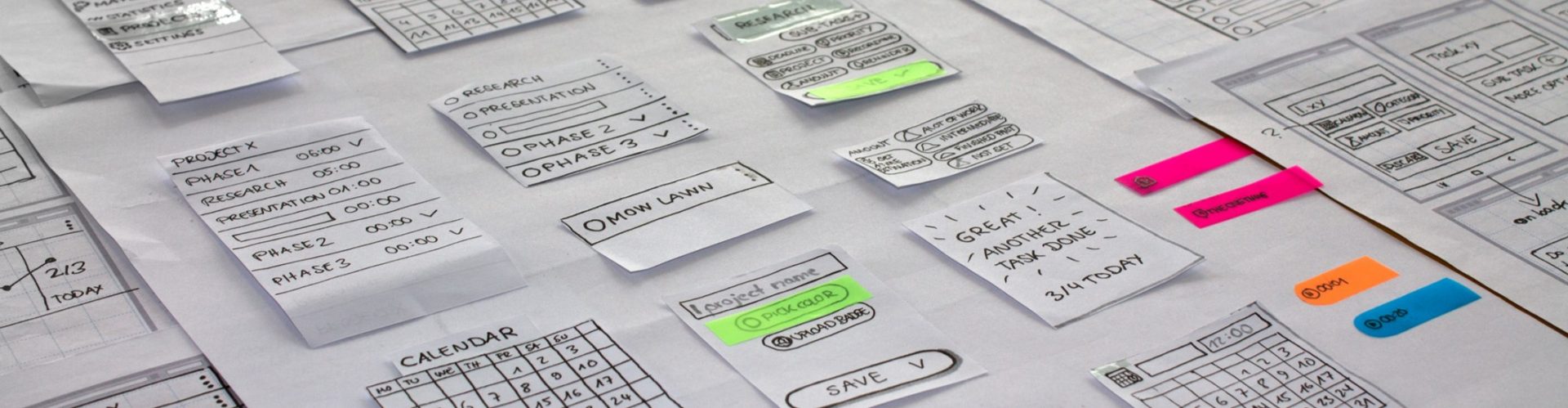
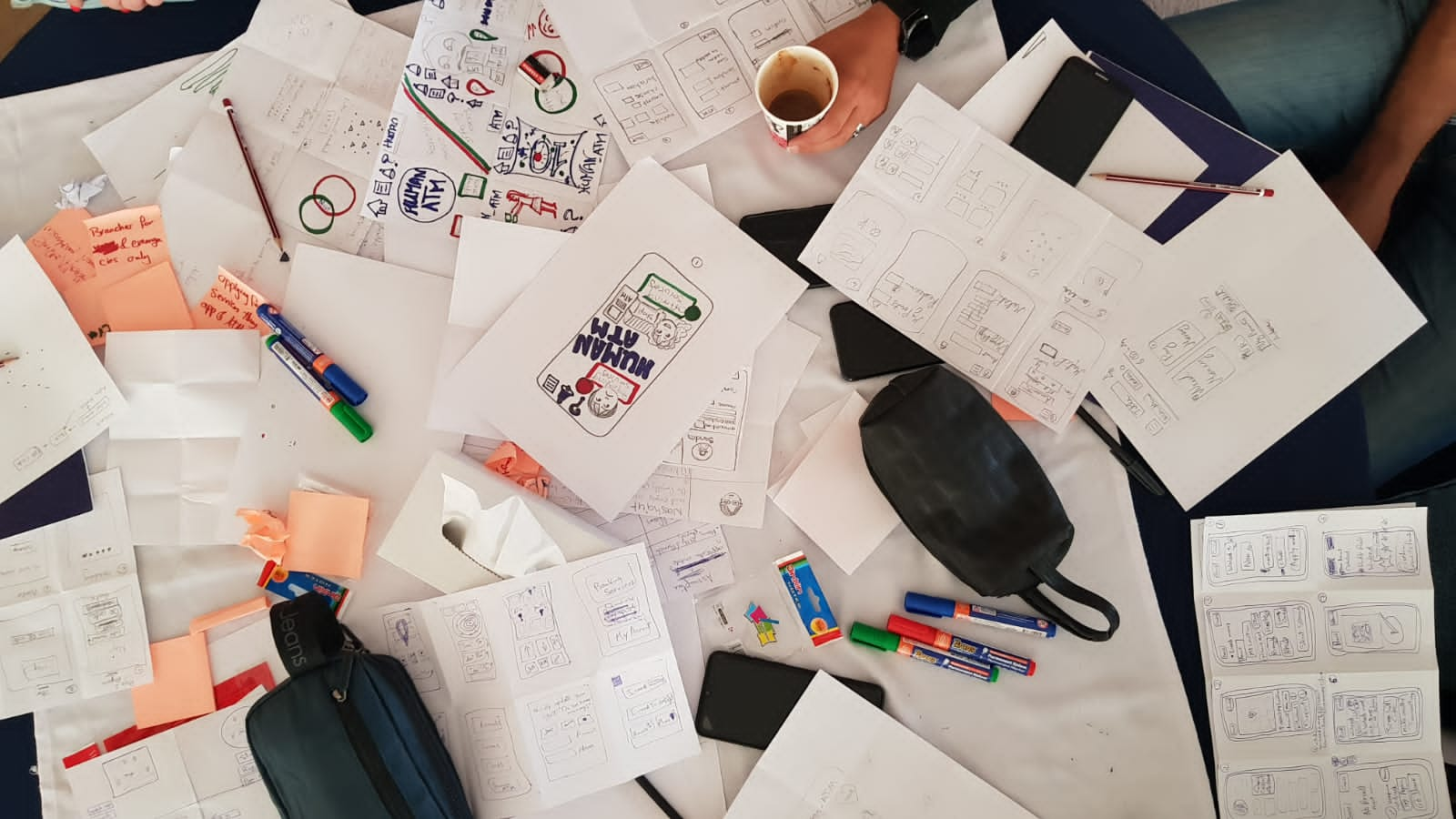
- Producing wireframes and prototypes
- Running usability testing and iterating
- Aligning with product, engineering, and stakeholders
- Documenting UX decisions and edge cases (states, errors, constraints)
In many organizations, UX designers also contribute to product strategy—because understanding users strongly influences what should be built.
The UX Process (Step-by-Step)
Most UX work runs on a repeatable cycle:
1) Understand the problem
Clarify the user goal, business goal, and constraints.
2) Research the users
Use interviews, analytics, surveys, support tickets, competitive review, or field studies to understand behaviors and pain points.
3) Define the experience
Create personas (if needed), user journeys, and problem statements.
4) Design solutions
Build flows, wireframes, and prototypes. Explore alternatives quickly.
5) Test and iterate
Validate with usability testing. Improve clarity, efficiency, and trust.
6) Support implementation
Work with developers to ensure the experience is built correctly, including states, responsiveness, and accessibility.
7) Measure and improve
Track metrics like task completion rate, drop-off, conversion, and satisfaction—and iterate based on real usage.
UX is not a one-time task. It’s continuous improvement.
Examples of UX in Real Life
Here’s what good vs. bad UX looks like in real business flows:
Example 1: A confusing sign-up form
Bad UX: too many fields, unclear errors, no guidance, users abandon.
Good UX: minimal steps, clear labels, real-time validation, progress indicator.
Example 2: A dashboard for business users
Bad UX: users can’t find key actions, metrics are unclear, navigation is inconsistent.
Good UX: key tasks are prioritized, data is readable, filters are predictable, and actions are easy to discover.
Example 3: E-Commerce checkout
Bad UX: surprise fees, unclear delivery timeline, weak trust signals.
Good UX: transparent pricing, clear steps, secure payment cues, helpful confirmations.
How to Know If Your UX Is Good
A strong UX typically shows up in outcomes like:
- Higher conversion and completion rates
- Lower drop-off in funnels (onboarding, checkout, requests)
- Fewer support tickets about basic tasks
- Faster task completion
- Better product reviews and satisfaction
- Stronger retention and repeat usage
Qualitative signals of strong UX sound like:
- “That was easy.”
- “I knew what to do.”
- “It works the way I expected.”
- “I trust this.”
FAQ: What Is UX?
Is UX only for designers?
No. UX is a team responsibility. Product, engineering, support, and marketing all influence user experience.
Is UX the same as customer experience (CX)?
Not exactly. UX is typically focused on interactions with a product or specific touchpoint. CX is broader—it covers the entire relationship with a brand, including support, sales, delivery, and beyond.
Do small businesses need UX?
Yes. Even small improvements (clearer messaging, better navigation, cleaner forms) can noticeably improve conversions and reduce customer friction.
Conclusion: What Is UX and Why It Matters
To recap, UX (User Experience) is the total experience a user has while interacting with a product or service. It’s about clarity, ease, trust, efficiency, and satisfaction across the full journey—not just how a screen looks.
If the product must convert, retain, and scale supportably, UX is not optional. It is a fundamental operating discipline.
Until next time explore webkeyz’s case studies
and Keep Thinking!